Skip to content
Artwork for Computer Learning Zone

Computer Learning Zone

Richard Rost

Richard Rost is a Microsoft MVP and President/CEO of Computer Learning Zone. He creates video tutorials to teach you how to use your computer, specializing in Microsoft Access.

Play
  • 28 episodes
  • Avg 19 min
  • English
Counted on this page — what you have heard stays on this device, so it is not something the list can be paged by.
  • July 13 · 33 min

    How to Fix the Automation Error Catastrophic Failure in Microsoft Access

    Ever opened your Access database to see the dreaded "Automation Error Catastrophic Failure" and wondered if all is lost? You are not alone. On this episode, we demystify one of the most alarming errors in the Microsoft Access world and explain why - despite its over-the-top name - it is rarely as disastrous as it sounds. Join instructor Richard Rost as he breaks down what typically causes this error, from corrupted compiled VBA code to missing references or problematic ActiveX controls. Learn why Access sometimes throws its hands up after a crash or update, and discover practical, real-world troubleshooting advice to get your database back on its feet. You will also hear about the importance of backups, how to use decompile and compact and repair features, and ways to avoid common pitfalls that trip up Access users. Whether you are a database pro or you just inherited a mission-critical Access file, this episode offers the clarity and confidence you need to tackle catastrophic failure - and keep your database running smoothly.

  • July 10 · 23 min

    Getting Your Microsoft Access Data Online with SQL Server and WinHost

    Thinking about moving your Microsoft Access database online so it is easier to share with remote employees or access from anywhere? In this episode, Richard Rost from Access Learning Zone guides you through everything you need to know to set up a SQL Server online hosting account with WinHost. Learn why hosting your database in the cloud is more accessible and affordable than ever, and get a behind-the-scenes look at choosing a hosting provider, selecting the right plan, handling domains, and making sense of the jargon. Richard shares his hands-on experience, plus practical tips about domain setup, SSL certificates for security, getting your connection strings right, and pitfalls to avoid. If you have ever been frustrated with unreliable web hosts or worried about setting up online infrastructure, this conversation will set your mind at ease and get you ready to connect Access to a SQL Server in no time. Whether you are setting up a new company database or just want to make your tools more modern and mobile, this episode is the perfect place to start. Grab your notepad and let Richard break it all down in plain English with a few nerdy stories along the way.

  • July 9 · 13 min

    Tracking How Long an Access Form Was Open Without Timers

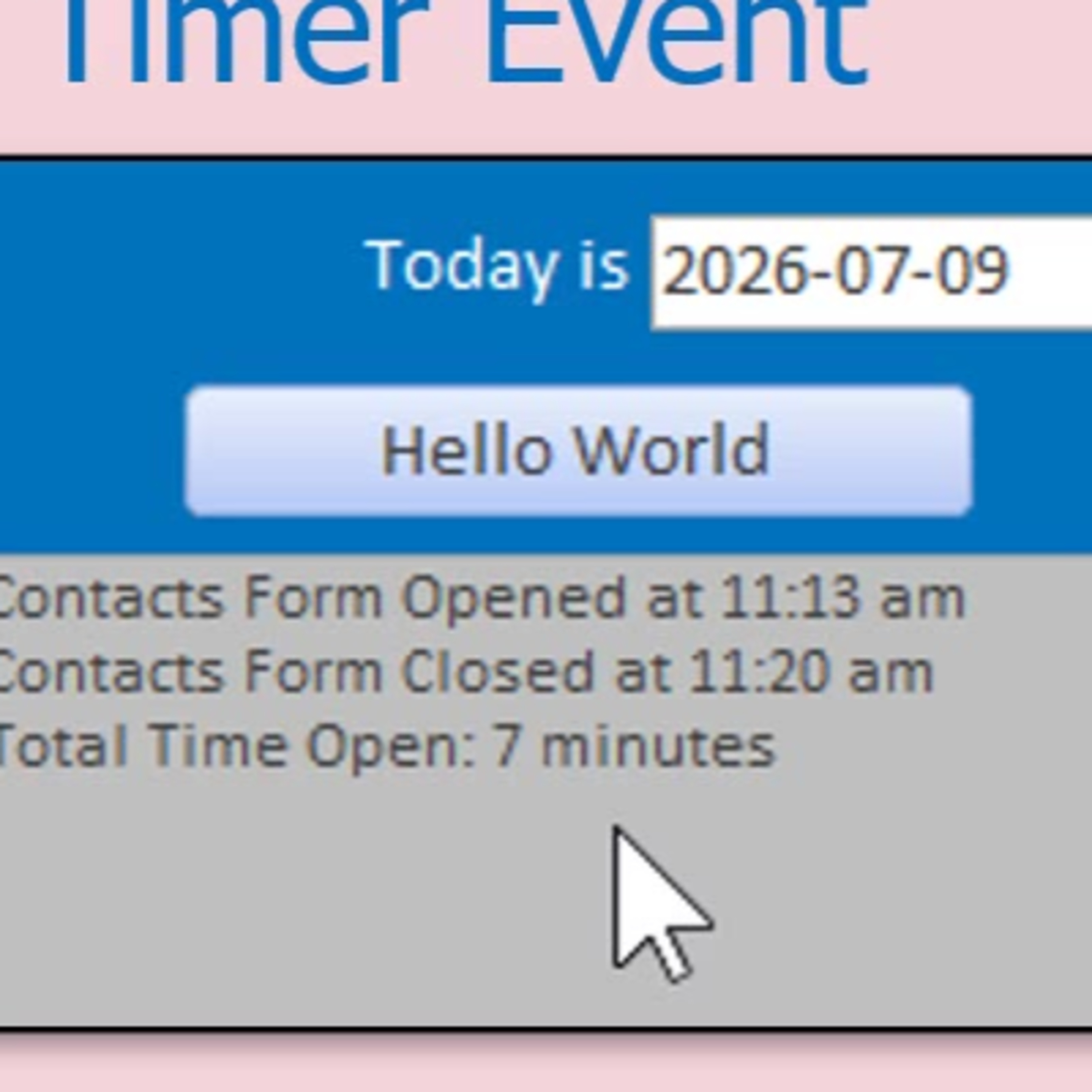
    Ever wished you could see how much time you spend working in different parts of your Microsoft Access database, but hate the idea of a constant ticking timer? In this episode, host Richard Rost from Access Learning Zone tackles a practical challenge: measuring the time a form stays open in Access, all without using a distracting or potentially problematic timer event. Learn how to use simple VBA and TempVars to log when a form opens, calculate the elapsed time once it closes, and display the results in a user-friendly way. Richard also explains why TempVars are a smart, reliable choice for this job, and shares tips for making your message display more polished for your users. Whether you are curious about your own productivity or want to spot bottlenecks in your workflow, this technique can help you monitor and improve your everyday Access tasks. Along the way, enjoy practical insights, relatable examples, and some candid developer humor, as you pick up ideas that can make your Access databases more informative and user friendly - without any heavy-handed monitoring. If you want to dig deeper, hear about building a reusable framework to track multiple forms and log results for reporting.

  • July 8 · 15 min

    Access Databases Online with SQL Server: Work Remotely and Collaborate Anywhere

    Wish you could access your Microsoft Access database from anywhere, not just the office? In this episode, Richard Rost explains how to host your Access database online using SQL Server, making it easy for remote employees, travelers, and multi-location teams to work together seamlessly. You will hear about the pros and cons of moving your data online, essential tips for security, performance, and backups, and the real-world challenges when transitioning from a traditional Access backend. Richard also shares his personal experiences managing database servers, what goes wrong when you skip security, and why using an online SQL Server can actually make your data safer and more accessible. Whether you want to build an online web portal or simply connect multiple Access users over the internet, this episode is packed with practical advice for anyone looking to modernize their database workflow. No more being tied to one computer get your data online and work from anywhere!

  • July 6 · 24 min

    Why Microsoft Access Never Came to Mac and What Mac Users Can Do

    Ever wondered why Microsoft Access is missing from the suite of Office apps available for Mac? In this episode, we dive into the history and reasons behind Microsoft's decision to keep Access Windows-only. Learn about the technical challenges that make porting Access to macOS far more complicated than Word or Excel, from its reliance on Windows-specific technologies like the Jet database engine and VBA integration, to business considerations around market demand and established Mac alternatives like FileMaker Pro. We also cover the current best options for Mac users who need Access, including virtualization solutions like Parallels Desktop, VMware Fusion, and remote desktop access. If you work in a mixed Mac and Windows environment, or are just curious about where Microsoft is focusing its future database efforts, this conversation will help you understand why Access remains a Windows exclusive and what practical alternatives exist. Perfect for anyone working across platforms or considering their options for Access on a Mac.

  • July 4 · 5 min

    Celebrating America at 250: Fun Facts, Reflections, and a Bit of Humor

    Join Richard Rost from Computer Learning Zone as he marks America's 250th Independence Day with a blend of humor, thoughtful reflection, and quirky trivia. Discover the story behind the term "semi-quincentennial," find out why air conditioning and internet arguments are underappreciated American achievements, and laugh along as Richard shares tales of fireworks, anxious pups, and the perils of overzealous patriotism. This episode explores what makes Independence Day meaningful, highlights the freedoms at the heart of the United States, and challenges us to be considerate neighbors while celebrating. Whether you are a history buff, a lover of bad puns, or just want a new perspective on July 4th, this lighthearted yet sincere episode is for you. So grab your hot dogs, keep your pets calm, and tune in for a thoughtful and entertaining look at America's 250th birthday.

  • July 2 · 19 min

    Bringing Microsoft Access Data to Mobile with Power Apps and SQL Server

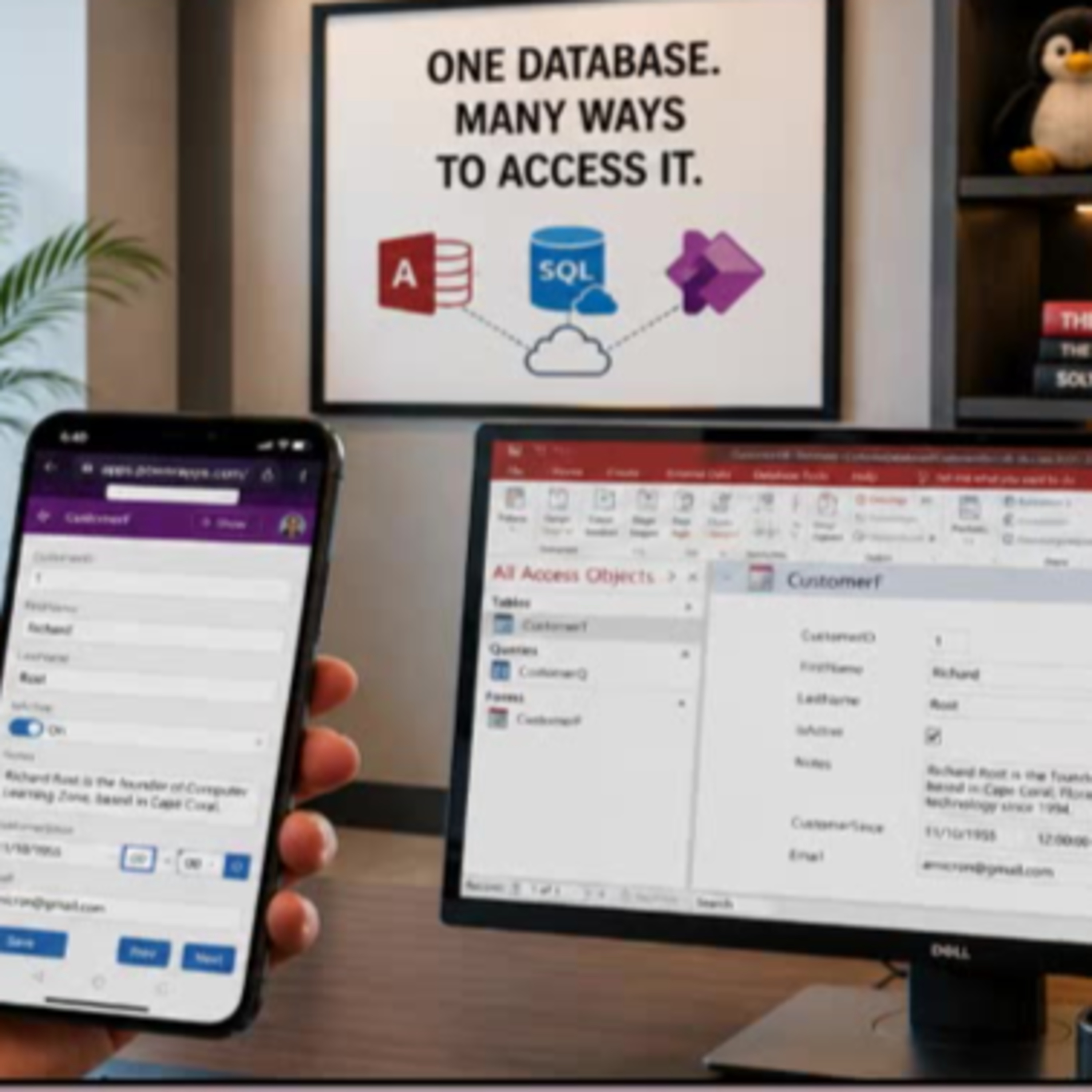
    Wish you could use your Microsoft Access data on your phone without overhauling your whole system? In this episode, Access instructor Richard Rost walks you through how to easily build a mobile-friendly front end for your existing Access database using Microsoft Power Apps and SQL Server. We talk about why moving your Access tables to SQL Server is the key to unlocking flexible, multi-platform access, and dive into practical options for working with your data remotely. Richard breaks down the differences between solutions like SharePoint, Dataverse, and SQL Server, and explains why SQL Server is his top pick for most Access users who want future-proof flexibility. If you have ever wanted to give your users secure mobile or web access to Access data without abandoning your trusty Access desktop front end, this episode is for you. Learn what Power Apps is good for, when it makes sense, licensing pitfalls to be aware of, and the mindset shifts for Access developers stepping into the world of low-code app building. Ideal for Access power users, small business IT, and anyone curious about bringing legacy desktop data to the modern mobile era.

  • June 30 · 17 min

    Keeping Microsoft Access Mission Critical: How to Safeguard Your PC from Risky Updates

    If your business relies on Microsoft Access databases to keep things running smoothly, you cannot afford unexpected disruptions from Office updates. In this episode, Richard Rost from Access Learning Zone breaks down a recent update snafu that left many Access users scratching their heads - and potentially volunteering as guinea pigs for Microsoft without realizing it. Find out why some seemingly stable machines suddenly get risky release candidate builds, and what that means for your organization. We talk through the pros and cons of each Microsoft 365 update channel, with practical advice about which one to choose when stability is more important than the latest features. Learn the best strategies for keeping your database - and your business - safe, from smart backup habits to choosing when (and how) updates happen. If you have ever wondered what IT pros do to avoid disaster on patch day, or whether you should trust automatic updates on your daily driver, this episode is for you. Whether you manage Access at a small business or depend on it for critical operations, these tips can keep you ahead of trouble and in control.

Showing 21–28 of 28 episodes