Skip to content
Artwork for Computer Learning Zone

Computer Learning Zone

Richard Rost

Richard Rost is a Microsoft MVP and President/CEO of Computer Learning Zone. He creates video tutorials to teach you how to use your computer, specializing in Microsoft Access.

Play
  • 28 episodes
  • Avg 19 min
  • English
Counted on this page — what you have heard stays on this device, so it is not something the list can be paged by.
  • Yesterday · 3 min

    Microsoft Access Relationships Quiz: Deleting Customers and Related Contacts

    Test your Microsoft Access relationship knowledge with five questions about parent and child tables, subdatasheets, orphaned records, and referential integrity. Find out what happens when you try to delete a customer who still has related contact records, why Access normally blocks that deletion, and when cascade deletes can change the outcome. It is a useful reminder that deleting a parent record without considering its children can create data problems fast. The quiz also covers the requirements for enforcing referential integrity, including compatible field data types and a unique parent key. See whether your CustomerT and ContactT relationship is properly protected or leaving records to wander around without parents.
  • Yesterday · 3 min

    Microsoft Access Relationships and Referential Integrity Quiz

    Test your Microsoft Access relationship skills with five expert-level questions about parent and child tables, one-to-many relationships, subdatasheets, orphaned records, and referential integrity. Find out what happens when you try to delete a customer who still has related contacts, why Access blocks deletions in a properly enforced relationship, and when cascade deletes can change the outcome. It is a useful refresher for avoiding broken customer and contact records. The quiz also covers the database setup Access needs before it can enforce referential integrity, including compatible field data types and a unique parent key. See whether your relationships are protected or wandering around without parents.

  • Friday · 27 min

    Let Users Choose Continuous Form Columns in Microsoft Access

    Continuous forms give you much more design control than a datasheet, but hiding a field can leave awkward blank gaps in every row. This episode looks at a practical VBA pattern for letting users choose which fields they want to see while keeping the remaining controls neatly aligned. Learn how checkbox-based field selectors can show or hide both detail controls and their matching labels, then reposition the visible fields using their Left positions and actual widths. The result is a compact, configurable list that still looks like an intentionally designed Access form. It is a useful approach for forms with different audiences, especially when some users need a simple view while others want additional columns. The discussion also covers when Datasheet View may be the better choice and how this basic technique can grow into saved layouts, user preferences, and reusable form layout management.

  • Wednesday · 11 min

    Microsoft Access VBA Error 9: Fixing Subscript Out of Range

    Run-time error 9, "Subscript out of range," usually means VBA is trying to access something that does not exist. Often it is an array position outside its valid range, but it can also involve missing collection items or keys. This episode explains what a subscript is, why indexes can be too high or too low, and why zero-based arrays created with VBA's Array function are a common source of off-by-one mistakes. Three values might sound like positions 1 through 3, but VBA may actually number them 0 through 2. Learn how to use LBound and UBound instead of hard-coding loop limits, how to inspect the failing line in the VBA editor, and why "On Error Resume Next" is not a real repair. It is less like fixing the engine and more like covering the check-engine light with tape.

  • September 13 · 16 min

    Highlight Search Matches Inside Microsoft Access Text Boxes

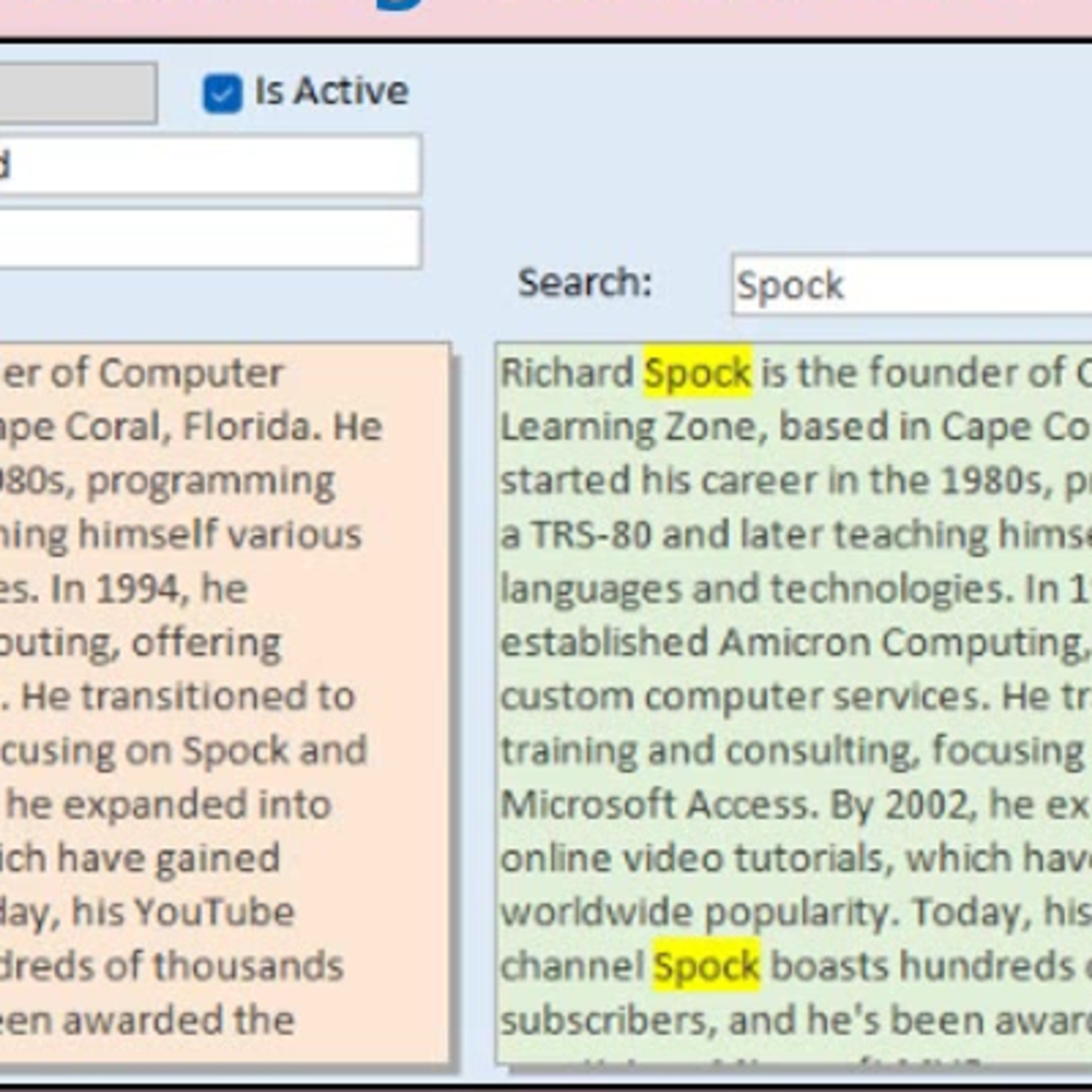
    Conditional formatting can flag an entire field, but that is not much help when a long notes box contains several paragraphs. In this episode, Richard Rost shows how to highlight every occurrence of a search word or phrase inside a Microsoft Access text box without changing the original table data. The discussion uses VBA, rich text controls, HTML-style formatting tags, and the Replace function to create a separate display field with highlighted matches. It also covers why quote handling matters, how case can affect displayed search text, and why this approach is especially useful for large plain-text notes fields. Richard also explains important limitations, including complications with existing rich-text formatting and why an unbound rich-text display does not behave correctly in continuous forms.

  • September 8 · 46 min

    Microsoft Access or Web App? Choosing the Right Path for Your Business

    Do you really need to replace a working Microsoft Access application just because remote employees, mobile devices, or web access are entering the picture? Often, the answer is no. The important question is not whether Access is old, but what business problem actually needs to be solved. This episode separates the Access front end from the database backend and explains why they do not have to be replaced together. A business can move shared data to SQL Server, keep familiar Access forms, reports, queries, and VBA for office staff, and add a focused web or mobile interface only where it is needed. Learn why opening an ACCDB file directly over the internet is a bad idea, why the 2 GB Access file limit does not necessarily mean an Access application cannot grow, and when remote desktop, SQL Server, a customer portal, or a full web application makes sense. A mature Access database often contains years of business rules, automation, reports, and hard-earned exceptions. Before rebuilding it all, make sure you are solving a real requirement instead of reacting to marketing.

  • August 31 · 23 min

    Understanding BOF and EOF in Microsoft Access Recordsets

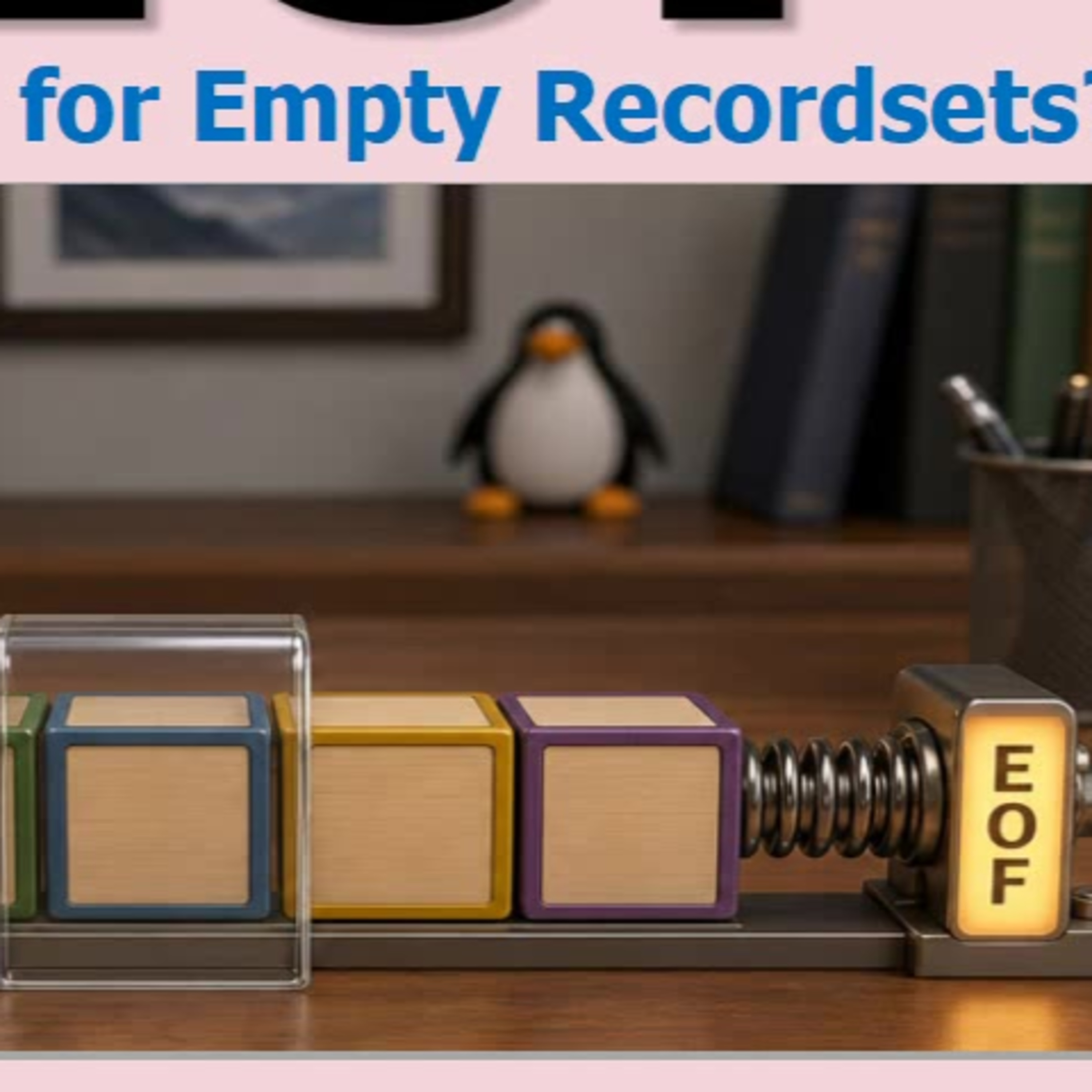
    BOF and EOF are easy to memorize in Access VBA, but understanding what they mean can save you from some very confusing recordset behavior. This episode explains why EOF alone does not prove a query returned no records, especially after code has moved past the last row. Learn how DAO recordsets track a current record, what happens when you use MoveNext or MovePrevious, and why BOF and EOF are boundary positions rather than actual records. The key empty-recordset test, rs.BOF And rs.EOF, makes much more sense once you can visualize what is happening. We also cover practical details such as where a normal recordset starts after OpenRecordset, why RecordCount can be misleading, and why navigation and deletions can affect what those flags tell you.

  • August 19 · 31 min

    Microsoft Office Installation Problems: Common Causes and Safe Fixes

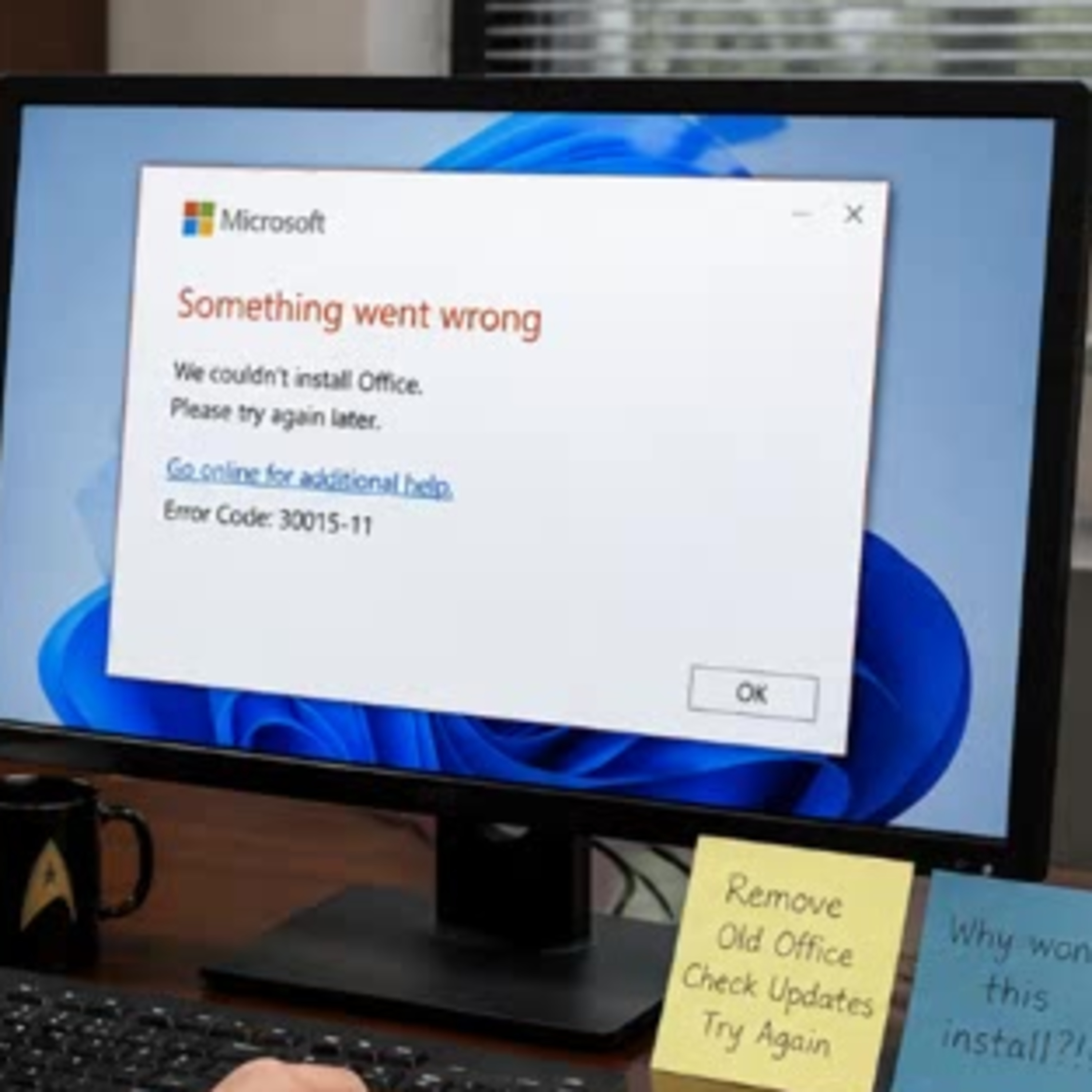
    Microsoft Office installation failures can be frustrating, especially when the error message offers little more than "something went wrong." This episode covers the common reasons Word, Excel, Access, and Microsoft 365 may refuse to install. Learn why leftover files from older Office versions, pending Windows updates, antivirus interference, low disk space, installer issues, and 32-bit versus 64-bit conflicts can stop an installation in its tracks. Access users in particular can run into trouble when Office components and runtimes do not match. The focus is on starting with simple, Microsoft-supported troubleshooting instead of jumping straight into registry edits, mystery repair tools, or risky downloads. Sometimes the real fix is less dramatic than expected, but it can save a lot of time and prevent making the problem worse.

  • August 5 · 23 min

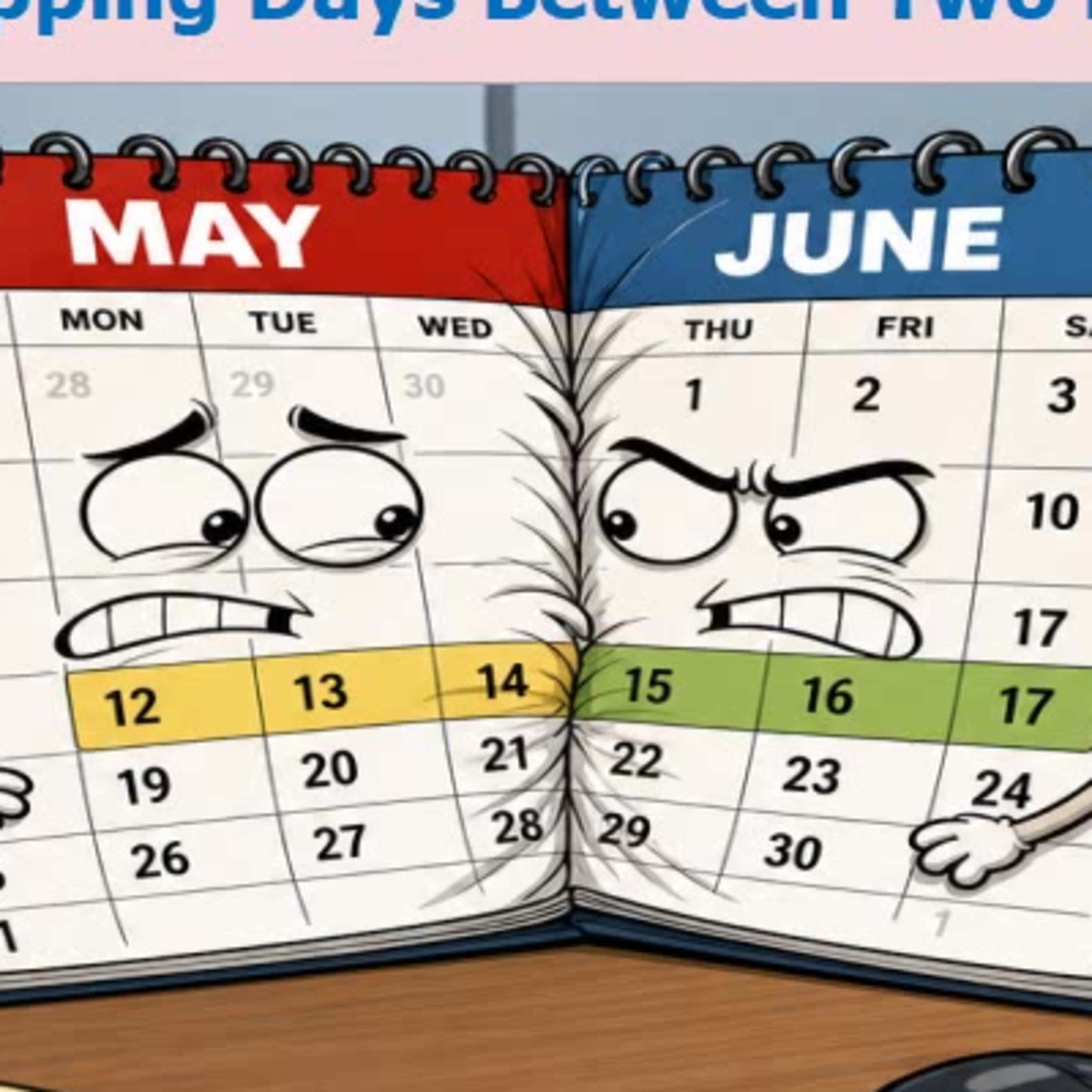
    Calculating Overlapping Date Ranges in Microsoft Access

    Need to know how many calendar days two date ranges have in common? This episode covers a simple, reusable VBA approach for Microsoft Access that works whether ranges partially overlap, one contains the other, or they do not overlap at all. The key is to identify the later start date and earlier end date, then handle the important no-overlap check before calculating the result. Richard also discusses the often-missed difference between inclusive dates and date ranges where the ending day is not counted. Along the way, hear about a real copy-and-paste bug involving the comparison operator, why date math can be simpler than DateDiff for day counts, and practical uses for reservations, rentals, payroll periods, warranties, subscriptions, and utility bill splitting.

  • August 4 · 23 min

    How to Check Whether Your Microsoft Access Back End Is Still in Use

    Before compacting a shared Microsoft Access back end, restoring a backup, or changing table designs, it helps to know whether anyone is still connected. A small Access lock file can provide a quick warning that the database may be in use. Richard Rost explains what LACCDB and LDB lock files do, why they are useful in split databases, and why their presence is not always proof that someone is actively working. A crash, lost network connection, or powered-off workstation can leave behind a stale lock file. You'll also hear about a simple VBA approach for checking whether a back-end lock file exists, along with an important caveat for unbound startup forms that may not touch linked tables immediately. It is a practical way to avoid turning routine maintenance into a very interesting Tuesday.

  • August 2 · 30 min

    Microsoft Access Help: Finding Reliable Answers, Community Support, and Expert Help

    Getting stuck in Microsoft Access can lead to a flood of conflicting search results, outdated advice, and more questions than answers. This episode looks at where to find dependable help, from Microsoft's documentation and built-in F1 support to active Access forums, technical communities, news sites, and professional consultants. Richard Rost explains how to match the kind of problem you have with the right source of support. A simple feature question, a tricky SQL or VBA error, a database design issue, and a large business project may each call for a different kind of help. You'll also hear practical advice for asking better questions, including sharing the goal, exact error message, relevant code, screenshots without private data, and what you have already tried. Better questions lead to faster answers and make life easier for the volunteers helping you. Finally, the episode covers when training, tutoring, or hiring an Access consultant makes sense, plus why learning the language of databases can make you a more confident user and a better customer.

  • August 2 · 30 min

    Pulling Data in Microsoft Access: Queries, Imports, and Copies

    "What does it mean to pull data in Access?" It sounds simple, but the answer depends entirely on where the data lives, where it needs to go, and whether you want a live view or a permanent copy. This episode clears up the most common meanings behind the phrase. Learn when to use a relational query to display customer details alongside orders, when copying values is appropriate for historical records such as shipping addresses and prices, and when imports, linked tables, staging tables, or VBA may be the better fit. We also cover single-value lookups, retrieving sets of records with select queries, exporting data to other programs, and why it matters which application is doing the "pulling." The key is asking the right questions before choosing an Access tool.

  • July 31 · 25 min

    Microsoft Access Forms and Queries: Why Your Data Is Read-Only

    Can you see your records in Microsoft Access but suddenly cannot edit them? A form that beeps, a locked field, or a query that opens read-only can be frustrating, especially when the database worked fine yesterday. This episode explains why the form is often just the messenger. The real issue may be the underlying table, a linked data source, network permissions, record locks, form properties, control settings, or a query Access cannot safely update. We also look at common troublemakers like totals queries, DISTINCT, calculated fields, joins, missing primary keys, outer joins, and overly complicated multi-table recordsets. Plus, a few developer-level causes involving VBA, SQL Server permissions, trusted locations, and the occasional Access bad hair day. The key is to isolate the problem instead of staring at a giant query and hoping for inspiration. Start simple, test the table, query, and form independently, then find the feature that turns editable data into a read-only recordset.

  • July 31 · 31 min

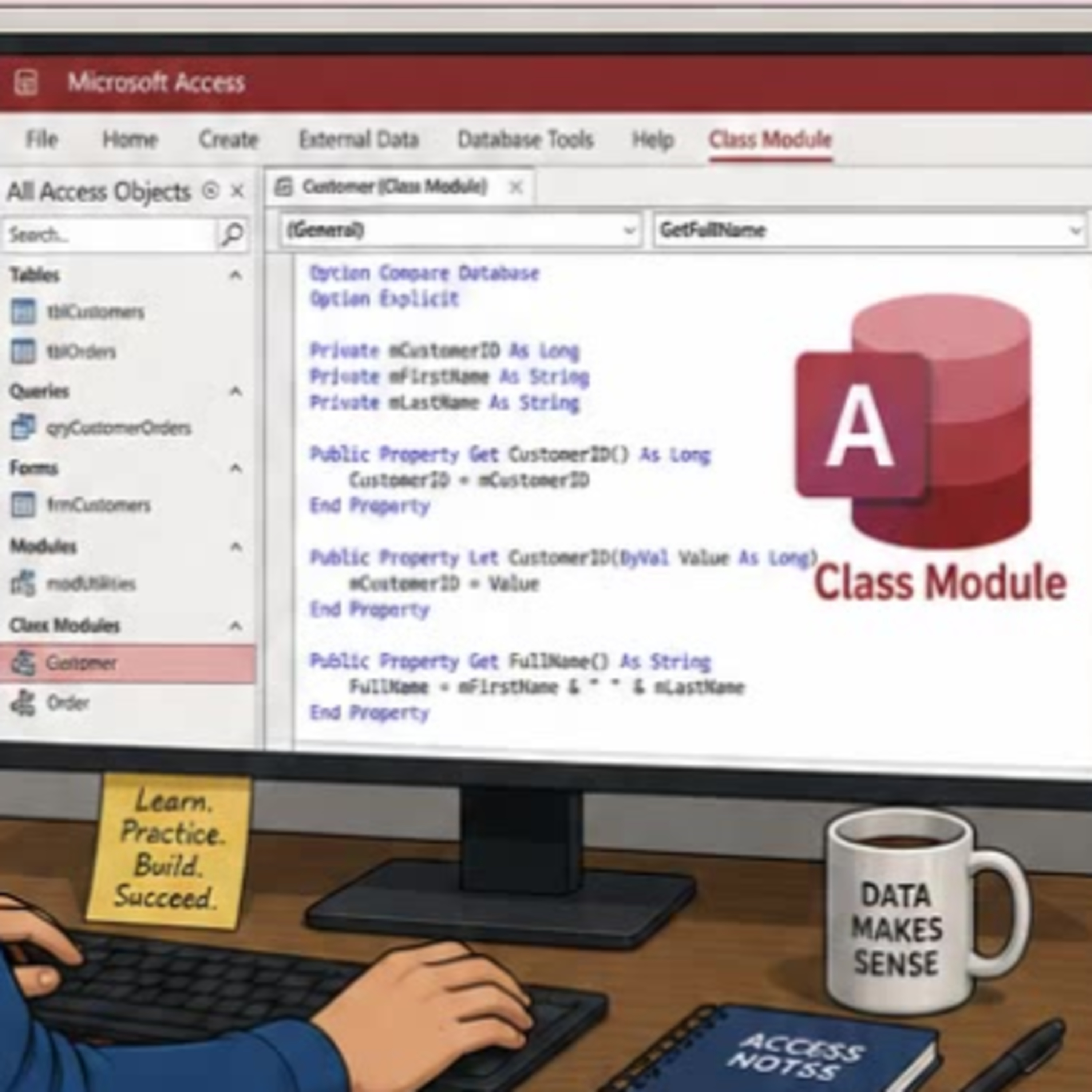
    Understanding Microsoft Access VBA Class Modules

    Class modules can seem intimidating in Microsoft Access VBA, especially if most of your code lives in standard modules and form events. This episode explains what class modules actually are, how they differ from tables, forms, reports, and standard modules, and why they are not something every Access developer needs to use. Learn the basic object-oriented ideas behind classes, including blueprints, objects, instances, properties, methods, encapsulation, and the difference between Property Get, Property Let, and Property Set. A simple employee class example shows how separate objects can each retain their own data and behavior. We also cover when class modules can be useful, such as modeling customers, employees, invoices, shopping carts, or reusable form behavior. Just as importantly, we discuss when a plain standard module is the clearer and better choice. Classes are a useful advanced tool, but they do not replace good relational table design or make a database better simply because they sound fancy.

  • July 28 · 2 min

    Microsoft Access Basics Quiz: Tables, Orders, Forms, and Reports

    Test your Microsoft Access fundamentals with five beginner-friendly questions covering the building blocks of a well-designed database. Learn why tables store data, why customer orders belong in a separate orders table, and why splitting first and last names can make sorting, filtering, and personalized letters much easier. The quiz also clears up the practical difference between forms for on-screen data entry and reports for printed output like invoices and labels. A quick, useful refresher for new Access users who want to avoid common database design mistakes.

  • July 22 · 11 min

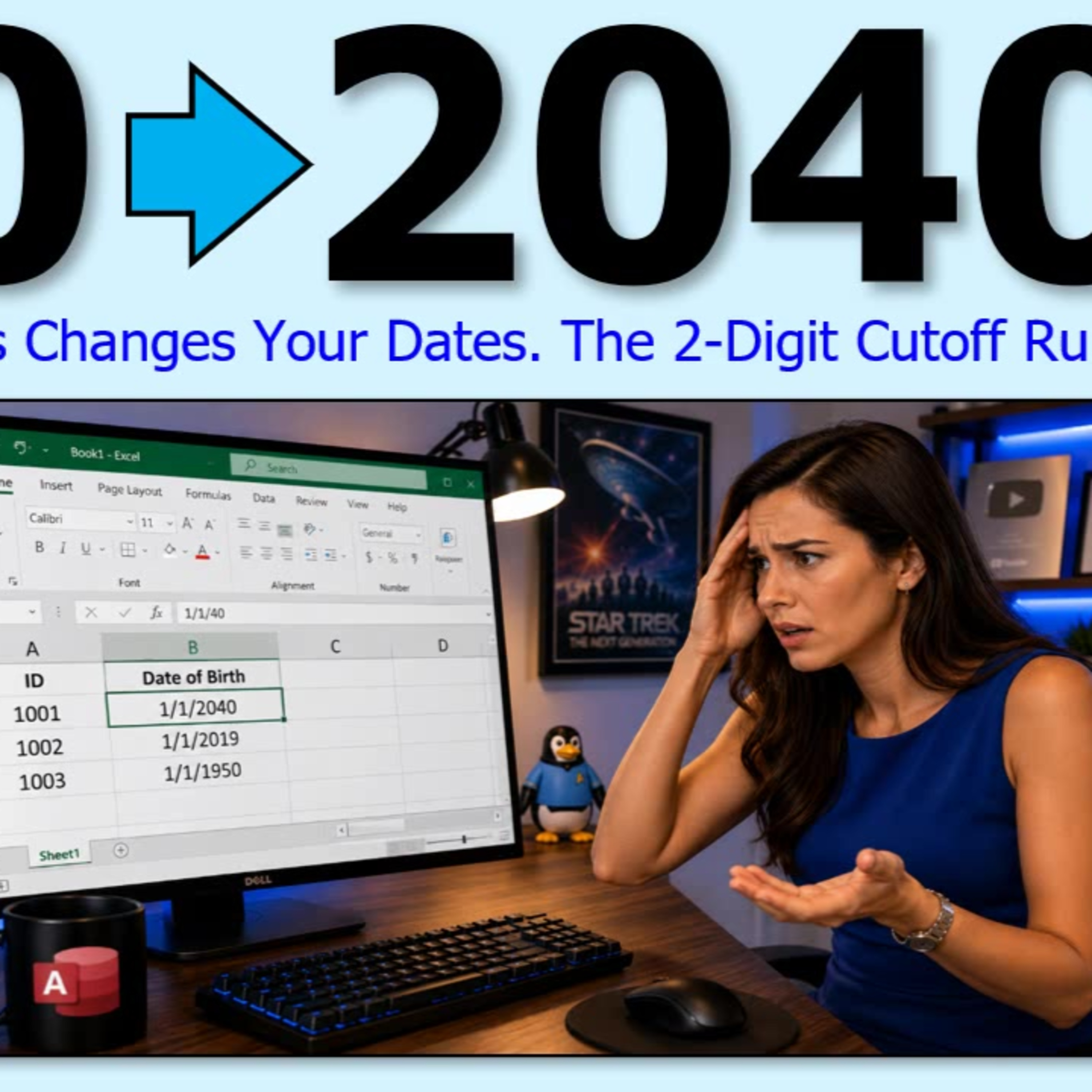
    Windows Two-Digit Year Cutoff: Why Dates Become 2040 and How to Change It

    Why does entering a date like 11/40 in Excel or Microsoft Access turn into 2040 instead of 1940? The answer is Windows' two-digit year cutoff, a system setting that decides which century a two-digit year belongs to. This episode explains why the cutoff exists, why Excel and Access can interpret dates the same way, and why the default behavior may be a problem for medical offices, genealogy work, museums, cemetery records, and other historical data entry. Learn when changing the Windows cutoff may make sense, why relying on two-digit years can create inconsistent data between computers, and why entering a full four-digit year in ISO format is still the safest habit.

  • July 21 · 26 min

    Going Online: Migrating Microsoft Access Databases to SQL Server

    Ready to take your Microsoft Access database from your office desktop to a fully online solution? In this episode, we explore one of the most practical challenges for Access users: connecting your Access data to SQL Server and making it accessible from anywhere with an internet connection. Your host, Richard Rost from Access Learning Zone, walks you through the whole process, highlighting the tools you will need, common pitfalls, and tips for smooth sailing. You will learn what SQL Server Management Studio actually does, why ODBC connections matter, and how to think about security and performance as you transition. With clear explanations, seasoned advice, and some honest opinions about Microsoft tools (like the Migration Assistant), this episode strips away the confusion and shows what actually matters along the way. Whether you are a business owner trying to enable remote work, an Access veteran ready to scale up, or just curious about bringing legacy databases into the cloud era, this episode is a friendly and realistic guide to making your move. Get insights into linking tables, optimizing for speed, and keeping your data secure as you bring Access and SQL Server together.

  • July 20 · 2 min

    Microsoft Access Relational Database Quiz 2: Tables, Relationships, and Junction Tables

    Put your Microsoft Access relational database knowledge to the test with five questions covering the building blocks of a well-designed database. This quiz explores how related tables work together, why a vehicle record should store a CustomerID instead of repeating customer details, and how one-to-many relationships handle customers with multiple orders or vehicles. It also covers the many-to-many relationship and the role of junction tables when both sides of a relationship can have multiple related records. A quick, practical review for Access users who want to avoid duplicate data and design cleaner databases.

  • July 17 · 19 min

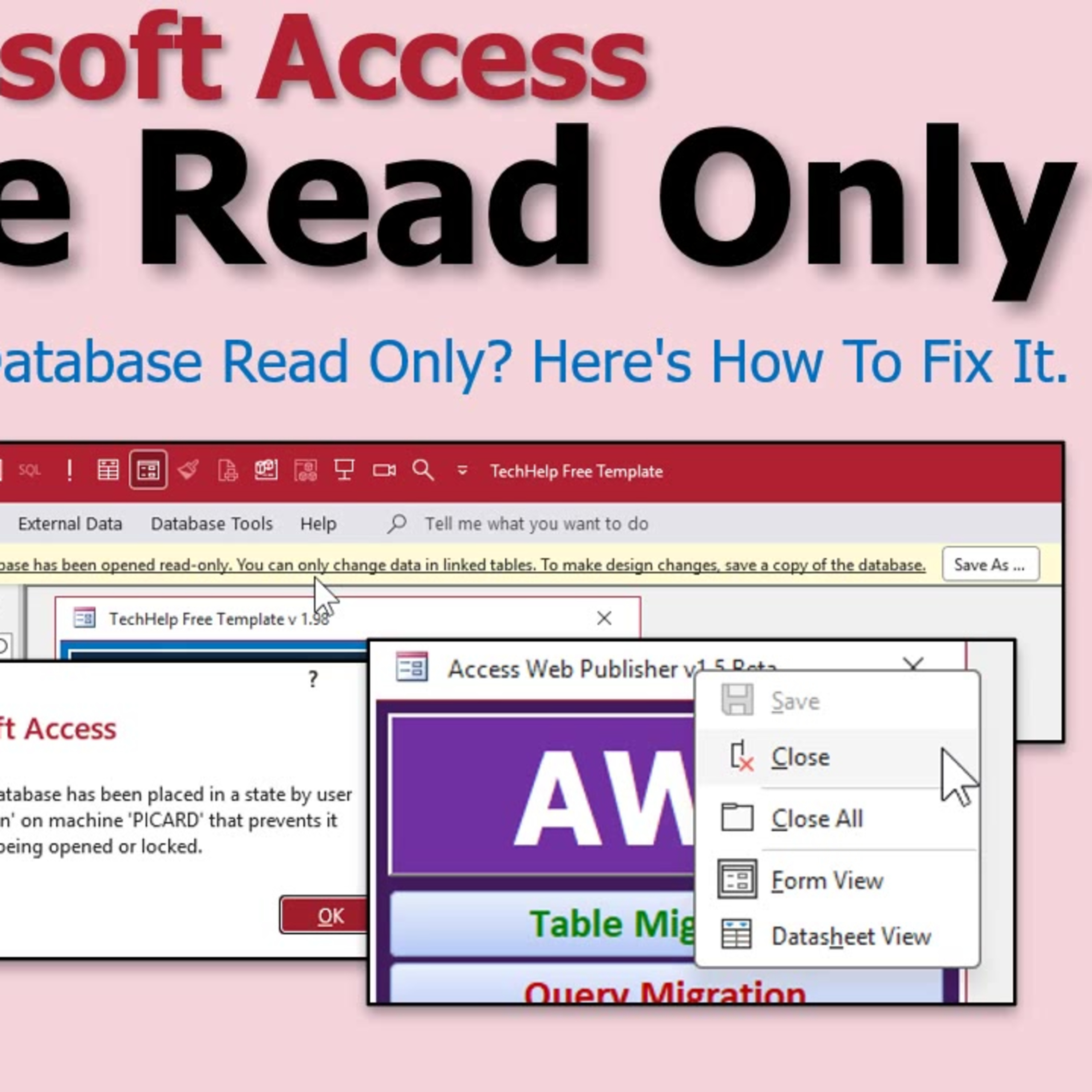
    Why Your Microsoft Access Database Is Read Only and How to Fix It

    Have you ever opened your Microsoft Access database and found you suddenly cannot make changes because it is locked in read only mode? You are not alone. In this episode, Richard Rost from Access Learning Zone breaks down why this happens, what "read only" actually means in Access, and the most common (and easily overlooked) reasons this frustrating problem occurs. From simple slip-ups like accidentally opening your database in read only mode, to Windows security settings, network folder permissions, stale lock files, and the special nuances of ACCDE files, Richard highlights the practical issues you are most likely to face. You will also hear about sneaky culprits like file sync services and antivirus programs that can put your Access files into lockdown without you realizing. If you deal with Microsoft Access in your work or studies, understanding how to get your database back into normal working mode is a must. Listen in for a clear, conversational breakdown that will leave you feeling confident the next time Access locks you out. Stay tuned for some laughs, real-world anecdotes, and expert advice to avoid future headaches.

  • July 15 · 2 min

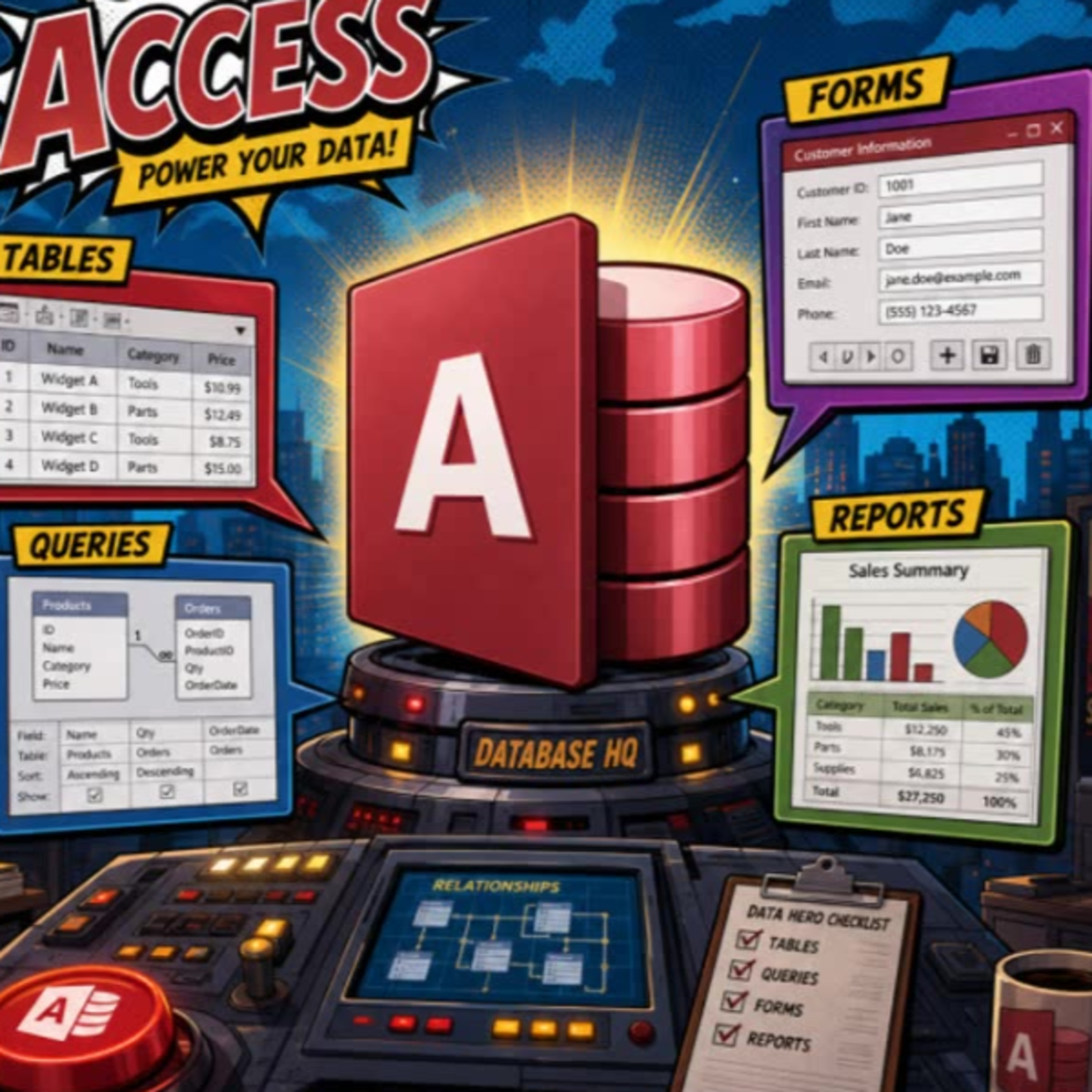
    Getting Started With Microsoft Access: Key Objects and Common Questions

    If you are new to Microsoft Access, this episode is a fun and informative way to brush up on the basics. Join us for a lighthearted quiz covering essential Access terms, like which object actually stores your data and what types of objects are used for different tasks in the database. Whether you are confused by terms like table, field, and record or just want to make sure you are using the right tool for printing reports, this episode has you covered. We cover common beginner pitfalls and help you understand not just what these objects are called, but why it matters. By the end, you will have a clearer sense of how Access organizes information and what makes it a relational database system. Perfect for first-time learners or anyone looking for a quick knowledge refresher. Keep track of your score or just play along and see how many you get right. And remember, mastering the basics is where all Access pros begin.

Showing 1–20 of 28 episodes